Creating a Workbook
Follow the instructions to create a workbook.
Under the Connections at the top-left corner, search for a Schema in the Schema field. A query runs on Qubole to fetch all available Schemas.
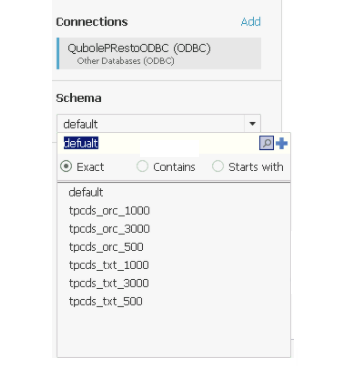
Select the default schema or the schema required for the case where you are trying to build visualization from your own tables/data.
Search for the table name in the Table field.
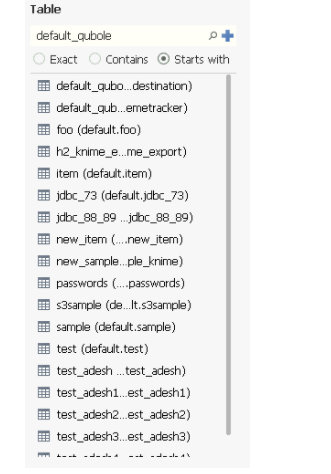
Select
default_qubole_airline_origin_destination(or any other table in the default schema) table to work with the data in it.Click Update Now. Updating takes some time to complete depending on the cluster size and data.
Once the table gets updated, click Sheet 1 to start designing. If you are configuring Tableau using the Other Databases (ODBC), you will view a warning as shown below:
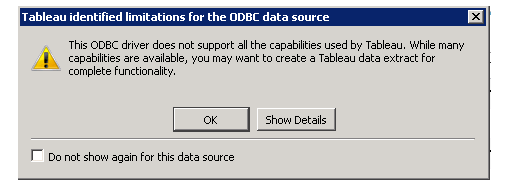
Click OK and the sheet gets loaded.
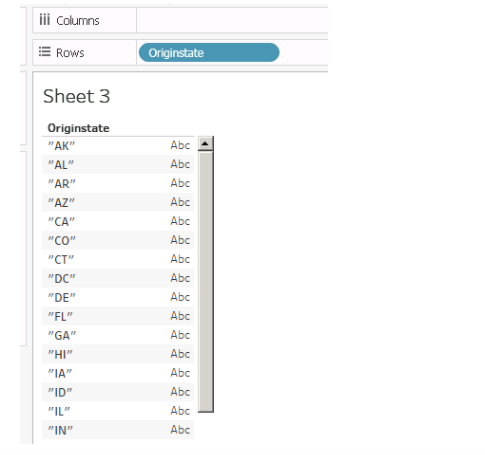
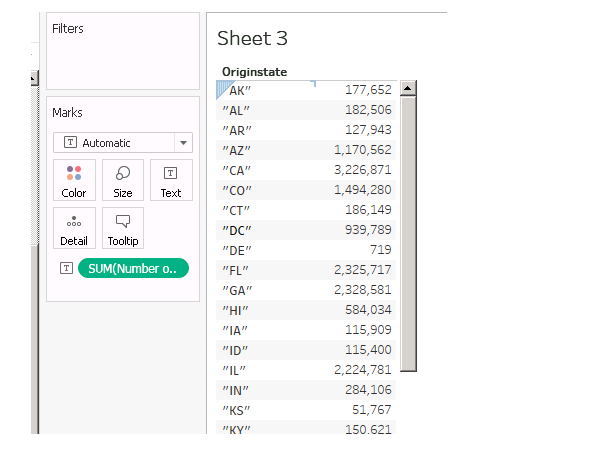
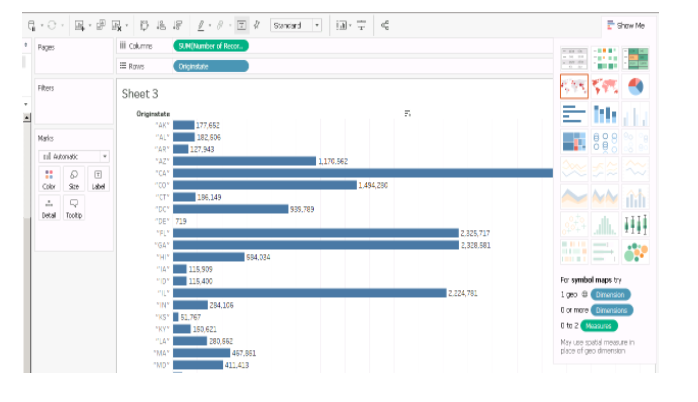
You can see the column names of the database on the left side panel under Dimensions. You can drag and drop the Dimensions and Measures to Rows and Columns as required to create a visualization/report.
Refer to the following figures that illustrate Rows and Columns.