Analyzing Hive Job Failures
When there is an issue with a Hive job, you can first start by analyzing the job’s logs and results. To analyze a job, use the Analyze tab of the QDS user interface (UI). Perform the following steps:
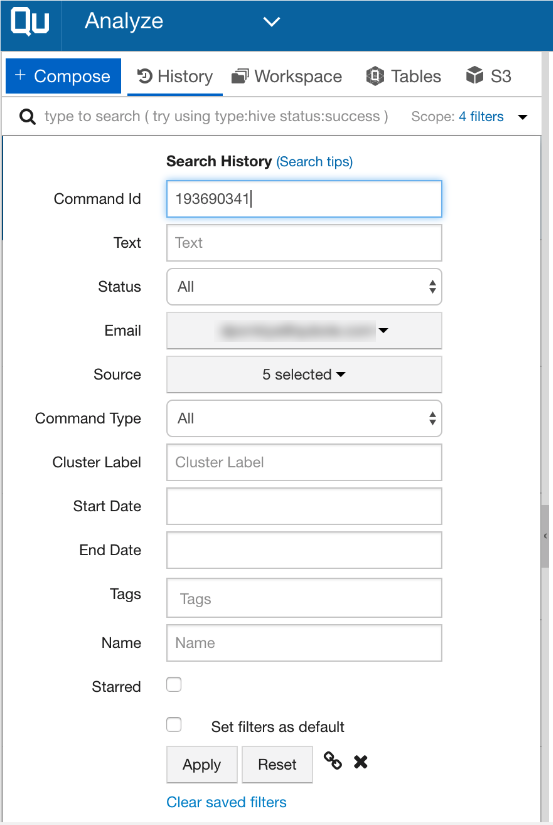
- Each Qubole job/command has a unique ID. Your can search a job using the command_id as depicted below.
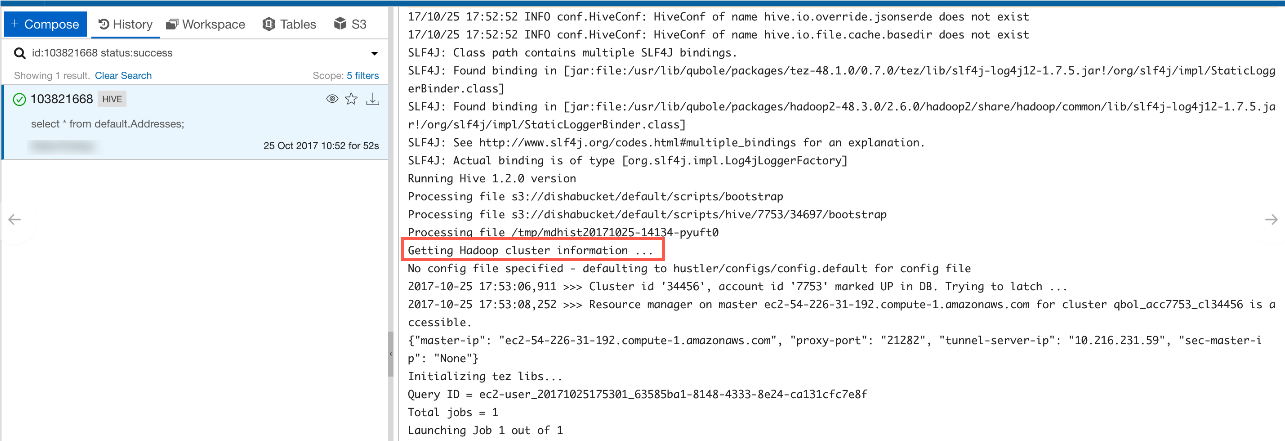
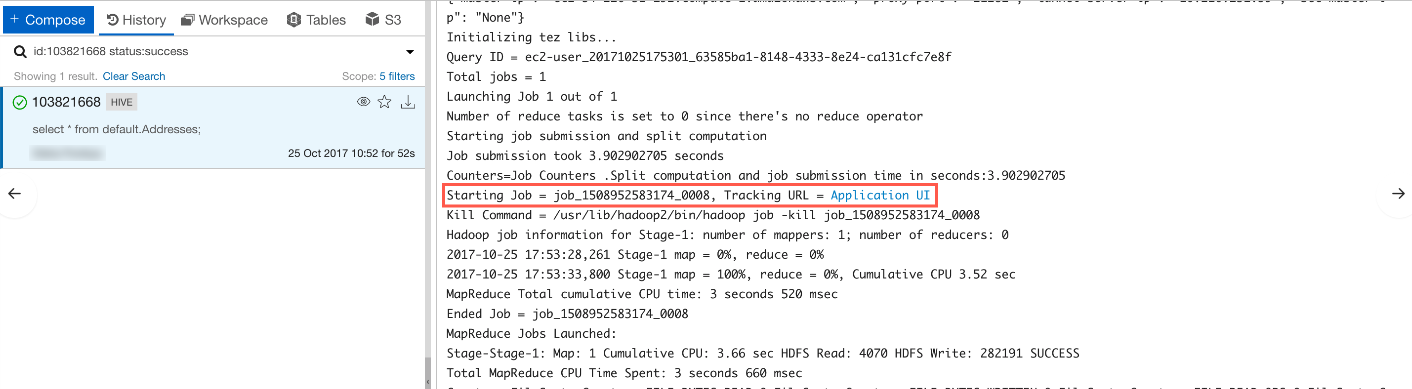
- Any Hive or shell command job contains the logs in the bottom-right section of the UI. Generally, these logs show the number of MapReduce jobs it is going to start and each MapReduce job has its own link Application UI that opens a new browser tab and displays the job details.
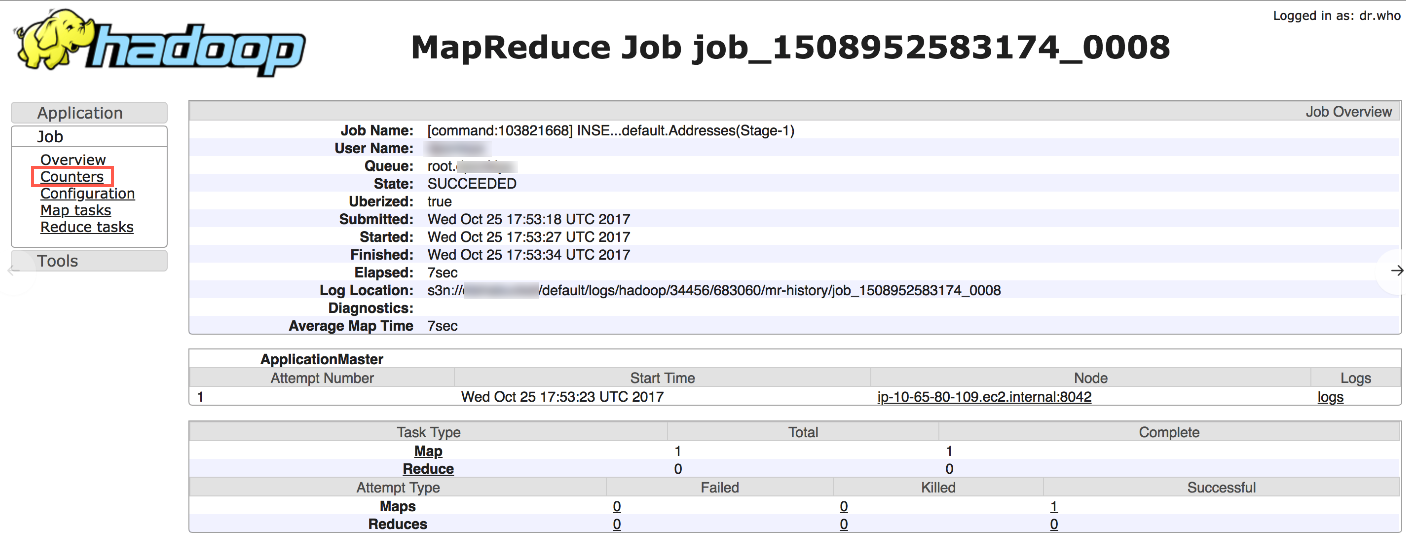
- The Application UI page shows important details as mentioned below:
- Job Status (Succeeded/Failed/Killed)
- Total Mapper/Reducer tasks
- Failed/Killed tasks
- Counter Link: this table shows very useful parameters, such as S3_bytes_read and file_bytes_written. These counters are very useful for understanding the nature of a job. For example, the counters provide details about how much data is being read, how much data is being written on HDFS or S3, and so on.