Configuring a Presto Notebook
Creating a Notebook describes how to create a Presto notebook. After creating a Presto notebook, start the cluster and wait until it is active. Navigate to the Interpreters tab in the Presto notebook after the cluster is active.
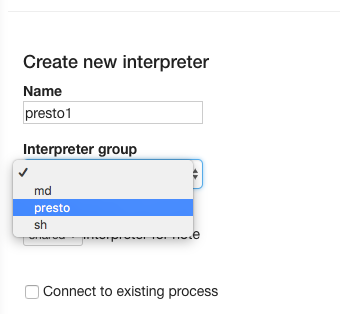
By default, the Presto notebook comes with a default Presto interpreter denoted by presto (%presto). If you want to create a new Presto interpreter, click Create in the Interpreters tab and select presto from the Interpreter Group’s drop-down list. Here is an illustration of choosing the presto Interpreter group.
Configuring Presto Interpreters
After the cluster associated with the Presto notebook is active, navigate to the Interpreters tab and add these two interpreter properties:
Add the
zeppelin.presto.maxConcurrency. It is the number of paragraphs which can run simultaneously and its default value is 10. Here is an illustrated example of adding this interpreter property.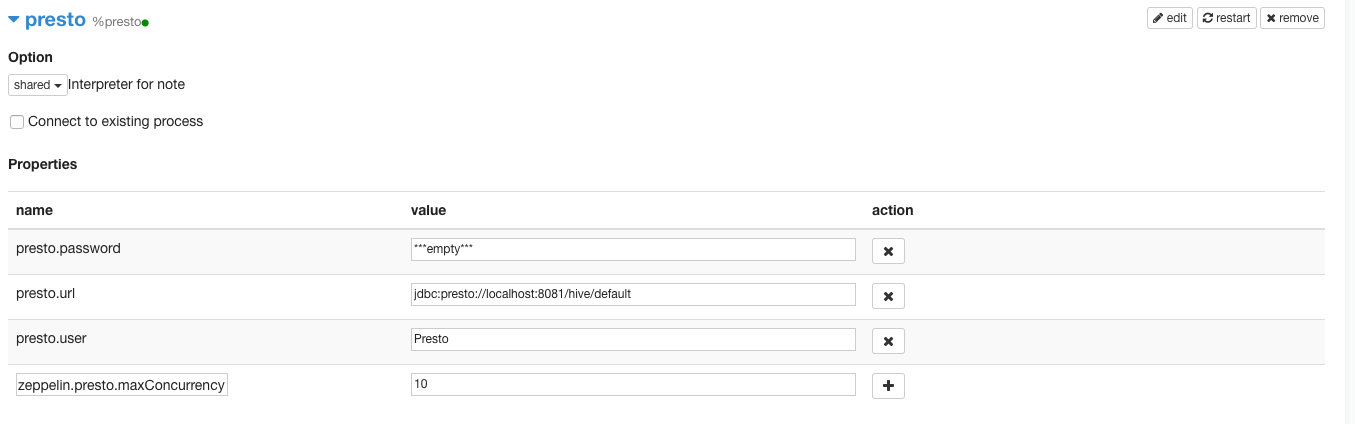
Add the
zeppelin.presto.maxResultinterpreter property. It is the maximum number of rows in the result and its default value is 1000. Here is an illustrated example of adding this interpreter property.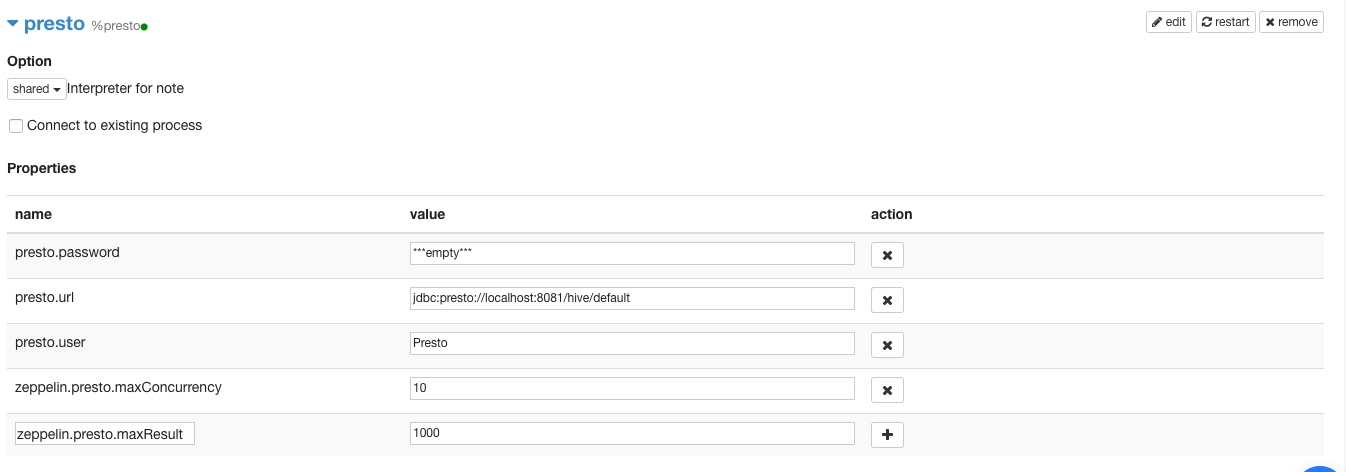
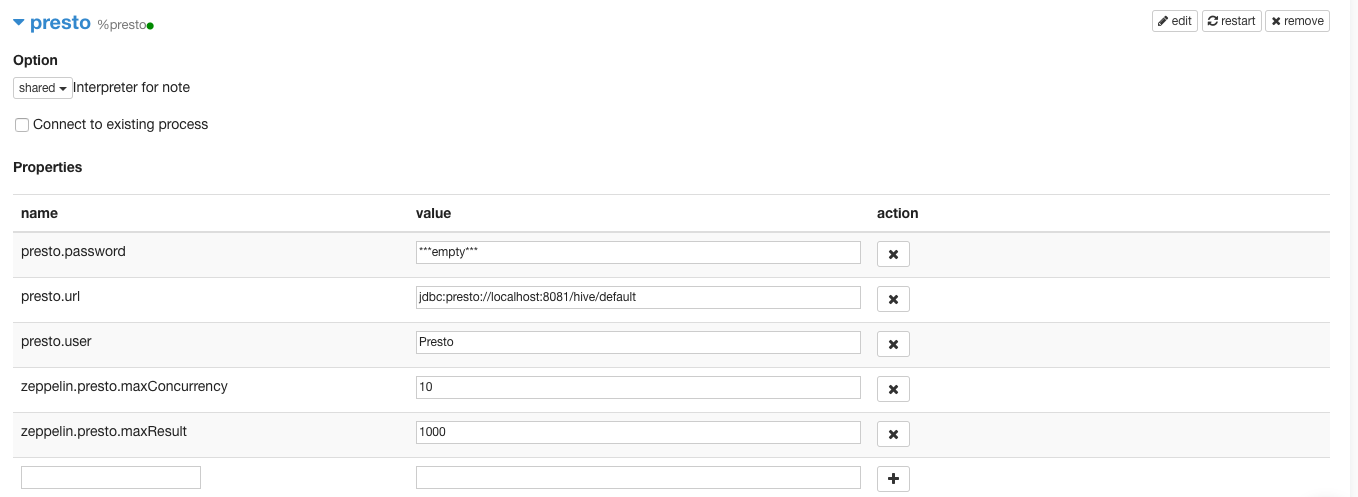
After adding the two interpreter properties, click Save. The illustration below shows the two configured interpreter properties.